Report Writer Taxonomy
Table of contents
Context
When Digital Innovation leadership approached me to enhance the “look and feel” our flagship report writing tool, I pushed back, and argued for investing in improvements to information architecture that addressed the fundamental accessibility barriers of complex software concepts and functionality, rather than just apply cosmetic fixes.
My standing up resulted in a commitment to IA, interviews with management and developers, to lay the foundation for a product taxonomy.
This effort would not just be an economical way to reduce mental fatigue and cognitive barriers for our users working in high-pressure healthcare environments, but the work of solidifying our terminology and component function would improve our ability to communicate across departments and teams, leading to more effective collaboration and efficient development.
Building the case
To effectively advocate for improvements to user-experience and accessibility through information design, I had to craft arguments that would resonate with company figures who had their mind set on short-term visual fixes.
Speaking to leadership, engineering, management, and sales, my presentation highlighted:
- Codifying institutional knowledge to reduce training costs
- Improving user experience without major development work
- Amplifying product strengths by reducing usability barriers
- Standardizing vocabulary to improve marketing and internal communication
- Making our product more accessible to a wider array of potential clients
Behind my decision
I ultimately chose systematic change over visual fixes for several reasons. For one, years of code development had created layers of technical debt that would require significant engineering resources to overhaul. Second, I recognized that things like proper heading hierarchies and label-input pairings would be less consequential if the terminology itself was creating cognitive barriers.
Lastly, the cost-benefit analysis. Rather than building more, I focused on amplifying the inherent institutional knowledge and functionality through clear vocabulary. This path had fewer dependencies, less technical overhead, and offered compounding impact by documenting institutional knowledge that only existed in the minds of our engineers.
Research
To develop and refine the information architecture, I conducted one-on-one interviews with developers, managers, and leadership to map core features, concepts, and functionality. My conversations revealed pain points, inconsistencies, and how language was impacting accessibility.
Building on mental models
When engineers would explained complex features to me, they often arrived at simpler, more intuitive terms with repeated questioning. This revealed how company-specific jargon created unnecessary cognitive barriers when more common mental model could convey equivalent functionality.
Defaulting to power users
The software’s offered extensive customization options for power users in charge of architecting reporting environments for their hospital centers, but this flexibility created cognitive barriers for users who simply needed to run reports efficiently.
The software’s building-block architecture enabled power users to define custom queries, but also exposed these options to the much larger majority of users who would never touch them. The abundance of rarely-used options created decision fatigue and cognitive barriers for registrars whose goal was simply running standard reports efficiently.
A specific example can be seen in a data element selector panel. Users selecting data elements encountered “data element” as an option within the list itself. While relevant to power users, this created a recursive, confusing situation for others.
Development
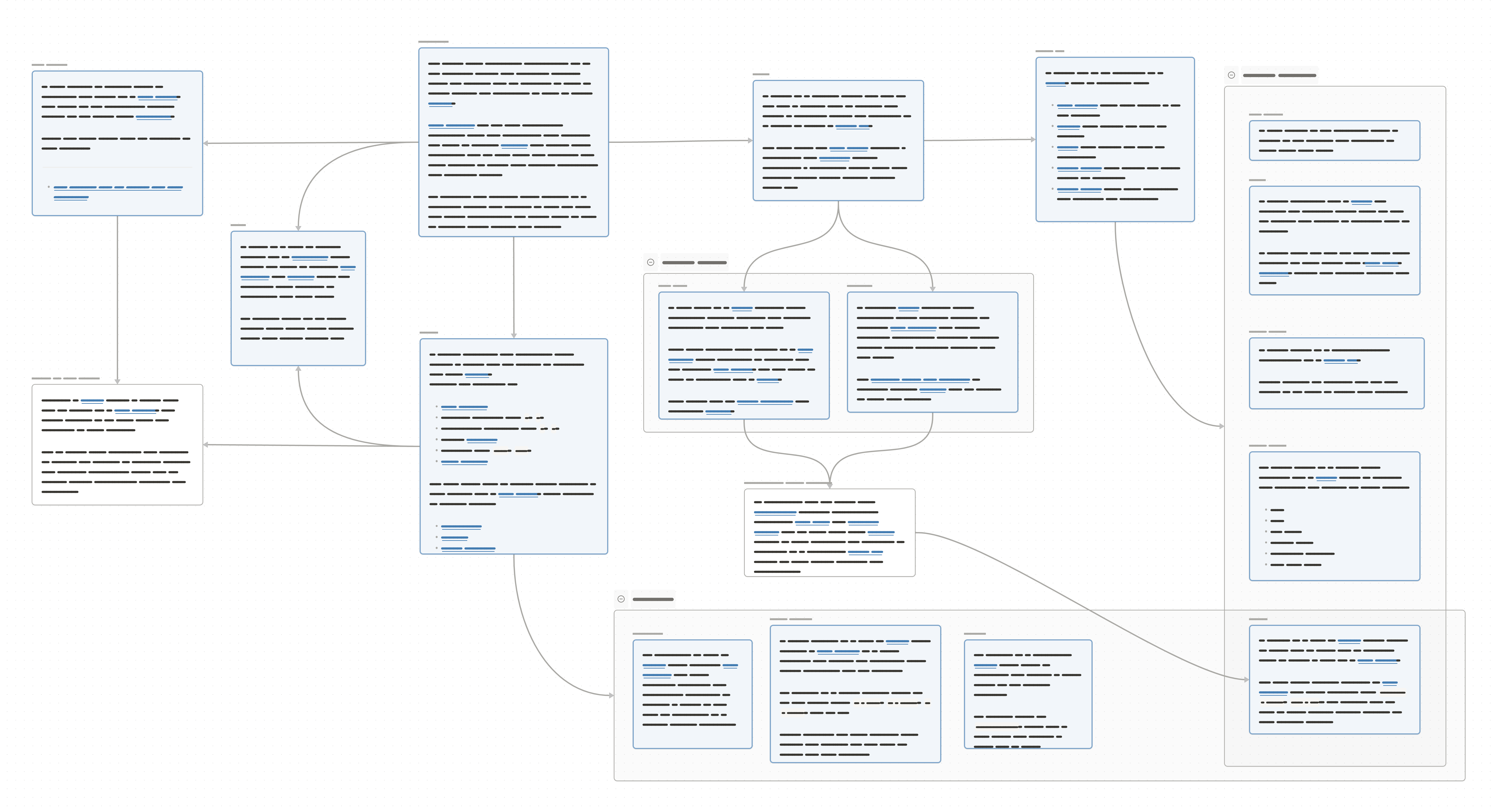
I followed a three-step cycle to build the taxonomy:
- Abstraction — distilling concept purpose, form, and function
- Combination — creating concise definitions with readability scores
- Relation — linking terms to reveal connections and hierarchy
Significance and impact
Complex, niche software terminology creates accessibility barriers that run deeper than HTML structure. Unfamiliar vocabulary conflicts with mental models, adding consequential cognitive load in trauma center contexts.
By establishing a clear, consistent vocabulary for administrative functions and daily operations, this taxonomy serves to reduce cognitive load for task-focused users, preserve the flexibility required by power users. It also follows plain language guidelines in support of cognitive accessibility, laying the foundation for future interface improvements.
Furthermore, by advocating for foundational improvements over visual changes, I demonstrated how systemic thinking enables accessibility from the ground up.
revealed inconsistencies in labeling and affordances within the product software
“rubber-ducking” with developers, to help them arrive at the ways in which the existing vocabulary fell short, and at the same time guided them towards the answers on their own—without needing the deep technical understanding myself.
Lessons
Speaking up for shared values
In response to my interviews and design approach, several engineers and managers confided in me that I was addressing concerns they’d felt but hadn’t been able to articulate — things they knew they needed, but didn’t have the experience to put into action. This reinforced for me that accessibility is not something that need be a fight, rather the work of standing up for values people already hold, but can’t act on.
Visibility of progress
Information architecture improvements are less visible than visual changes, making them harder to convey in business contexts. Yet these are exactly the kinds of accessibility improvements necessary to get stakeholders to invest in, rather than quick, surface level fixes. By involving the team in the taxonomy process, speaking to the priorities of each party, I allowed them to internalize the value through participation rather than demonstration.
Strong information architecture creates the foundation for enables subsequent inclusive design — addressing root causes proves more effective than treating surface symptoms in isolation.